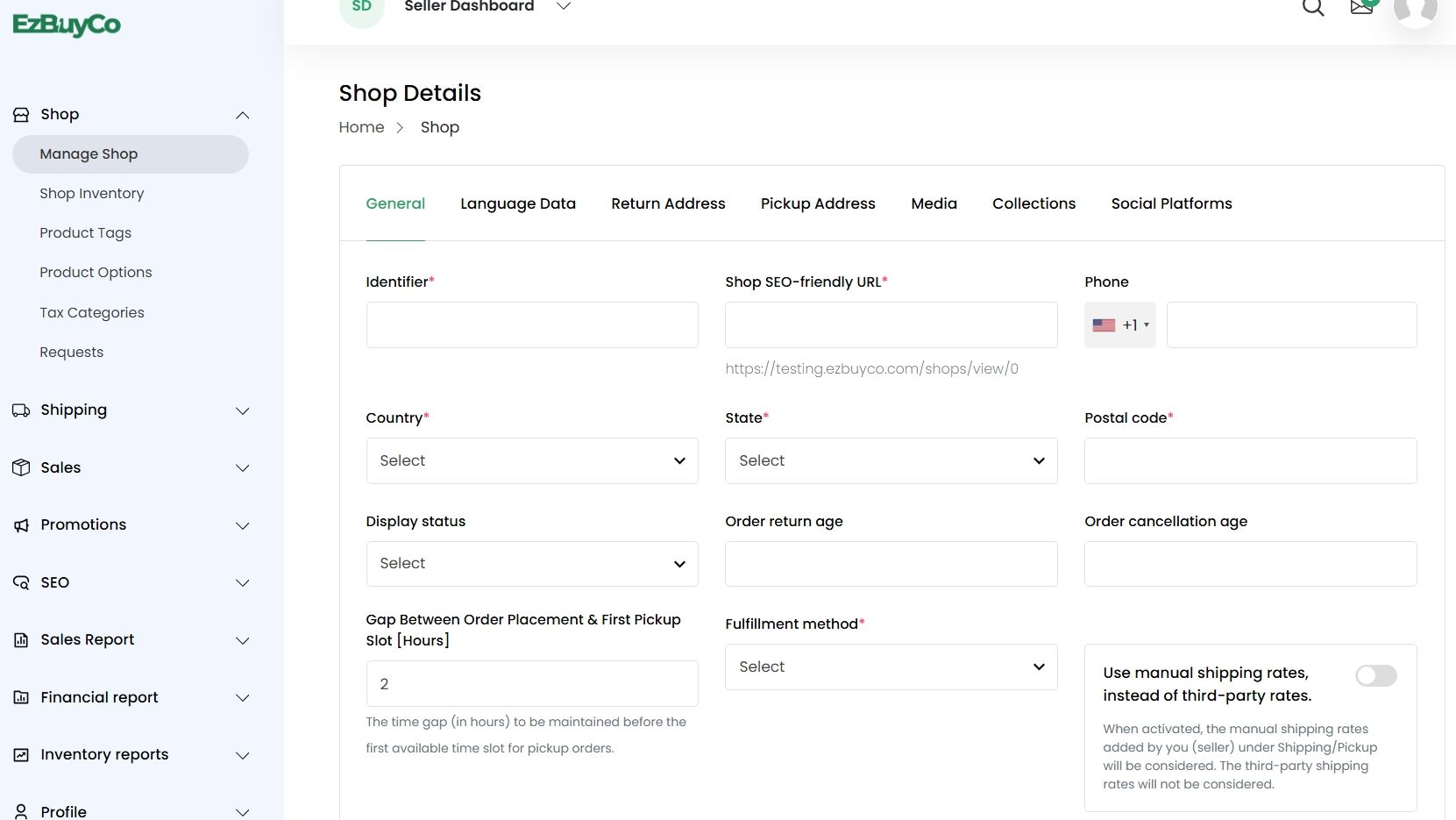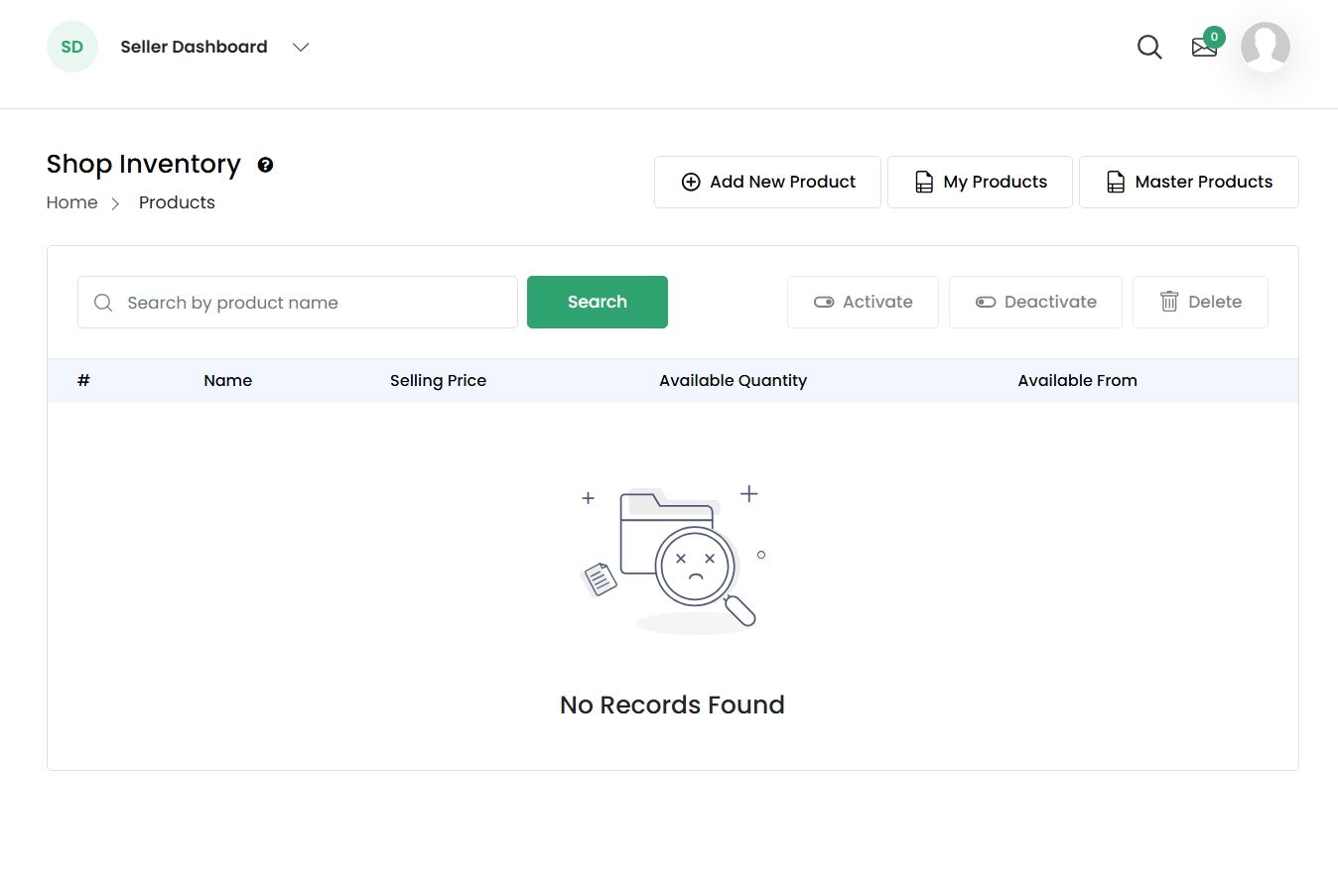
How to start selling on EzBuyCo
How to start selling on EzBuyCo
Selling on EzBuyCo is made simple and takes as little as 15-20 minutes to setup and start uploading product information. Below you will find detailed instructions and images to help you on your path to starting your selling experience with EzBuy.
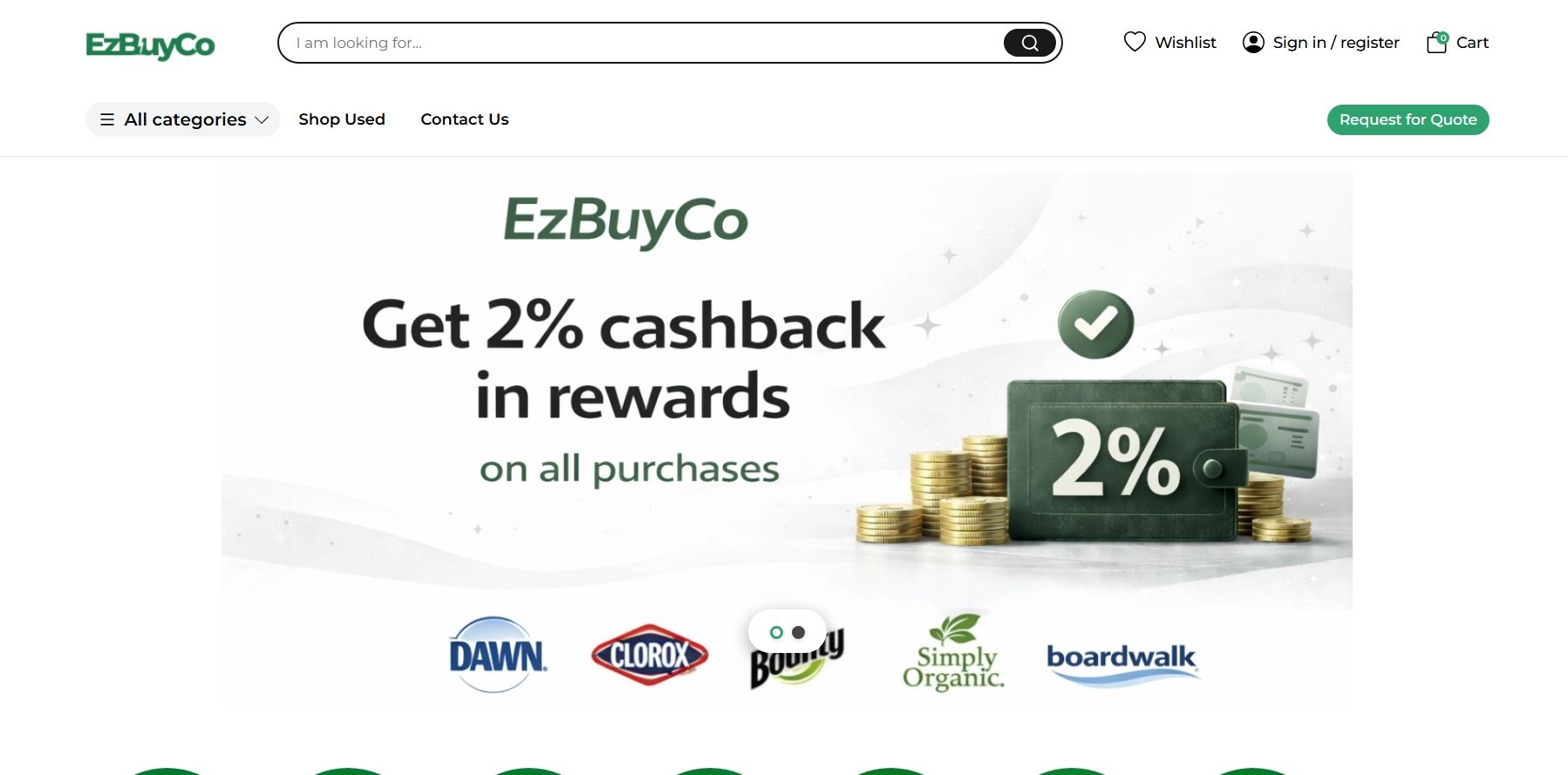
1.)When you first reach the websites homepage you will see in the upper right-hand side of your screen a tab next to the search bar that reads "Sign in / Register” once you click this your journey has just begun.
2.)Once clicking you will have a pop-up tab for signing in to your EzBuyCo seller/buyer account, but since you’re new to EzBuy you will need to click the tab on the bottom right to start setting up your store and basic information.
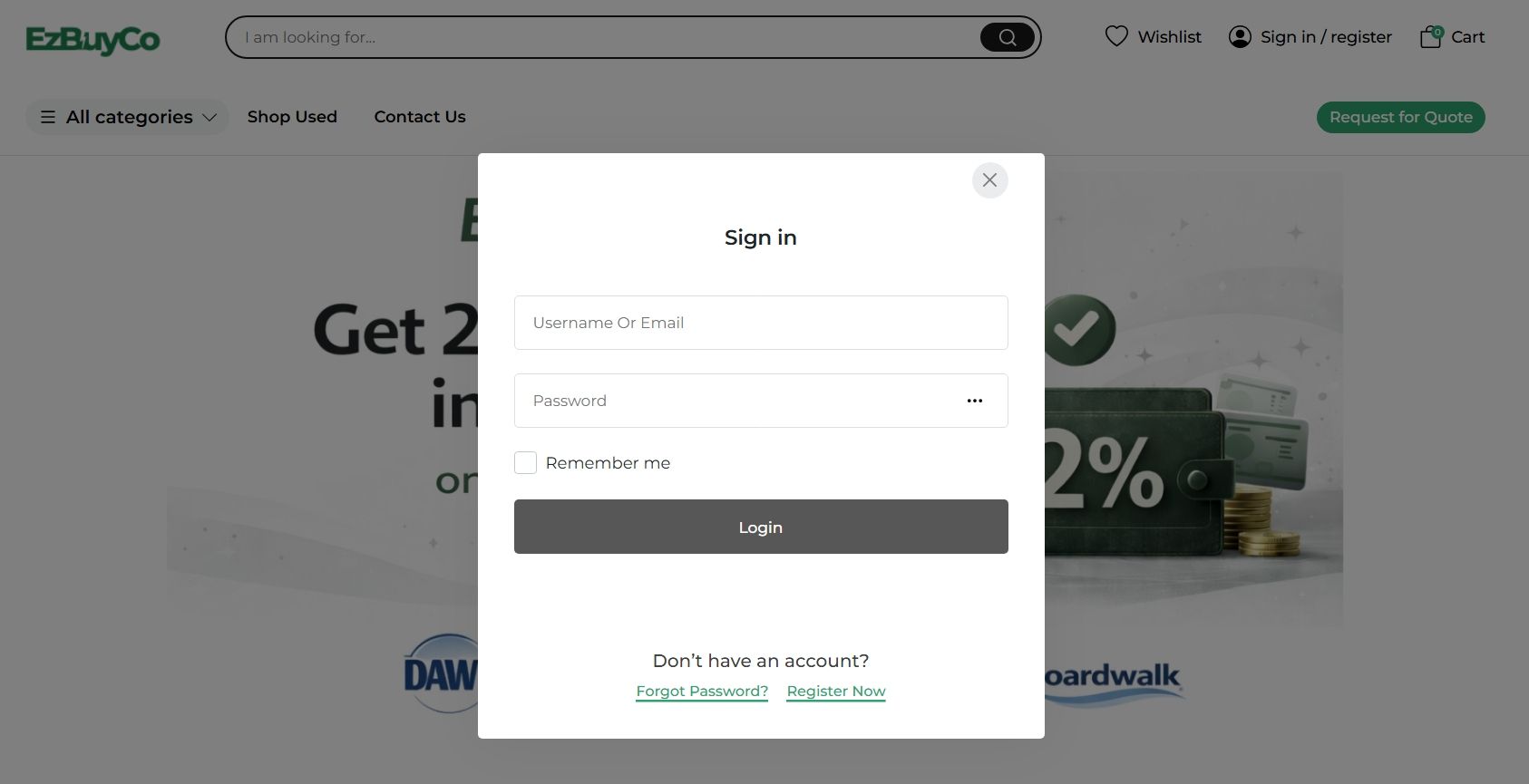
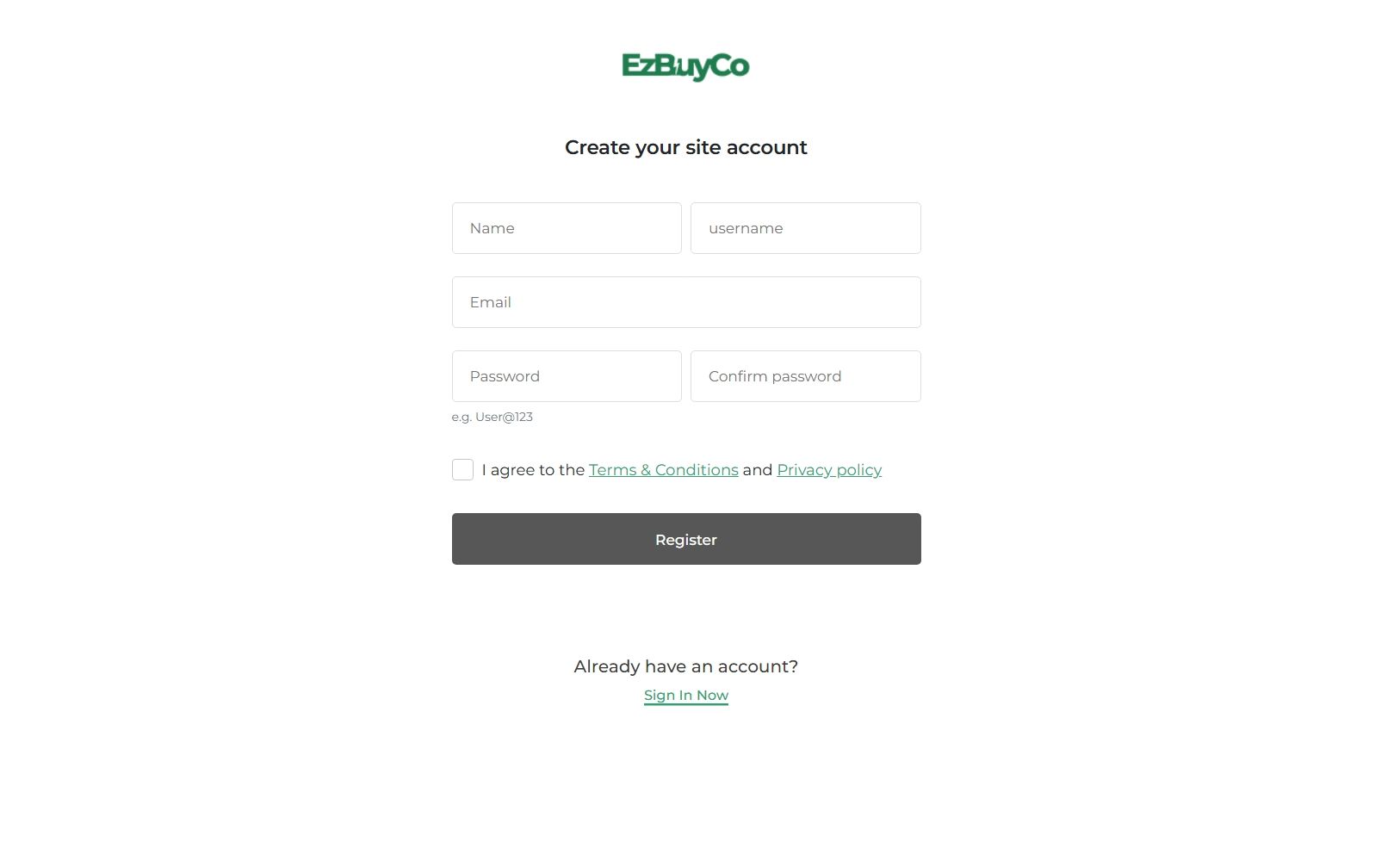
3.)After clicking register now you will be taken to a basic site account info (as seen below). Just insert your name and username that you would like to use, attach your email for verification, and then create a password for your account.